

 From $5.81Shipping $1.99
All categoriesComputer & OfficeComputer Components

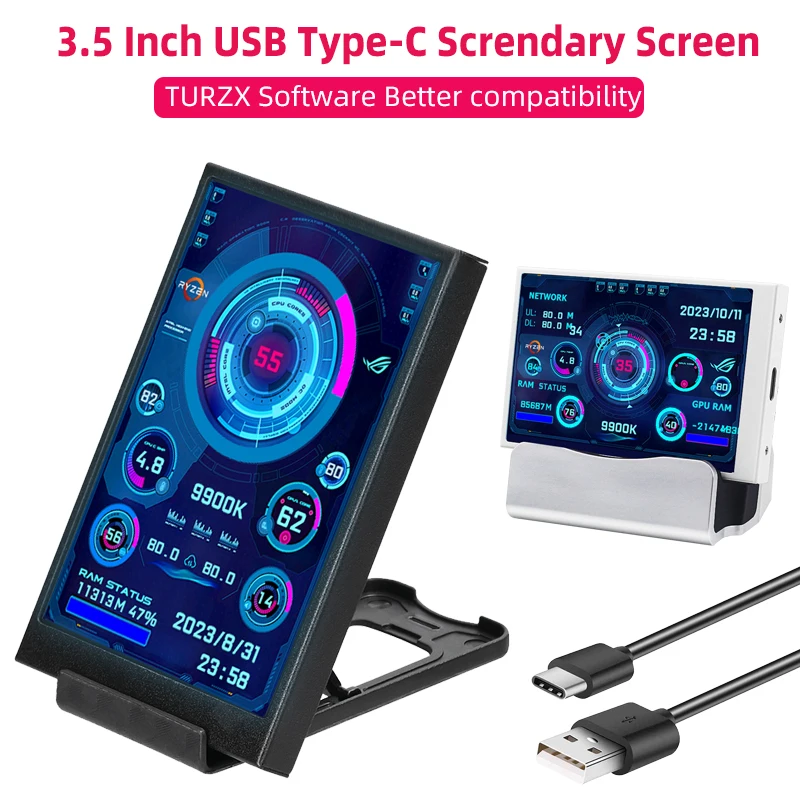


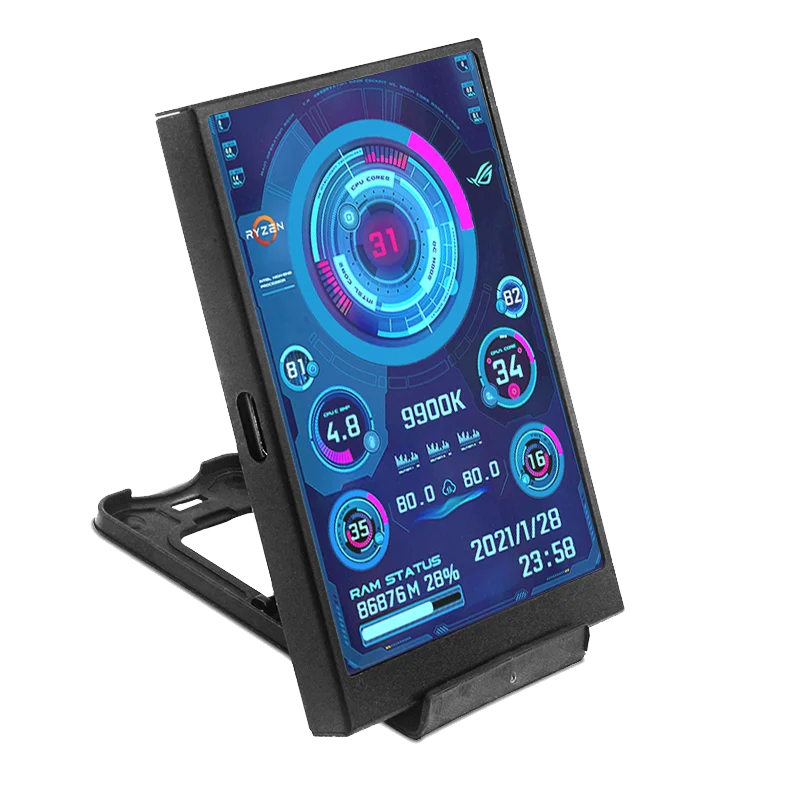

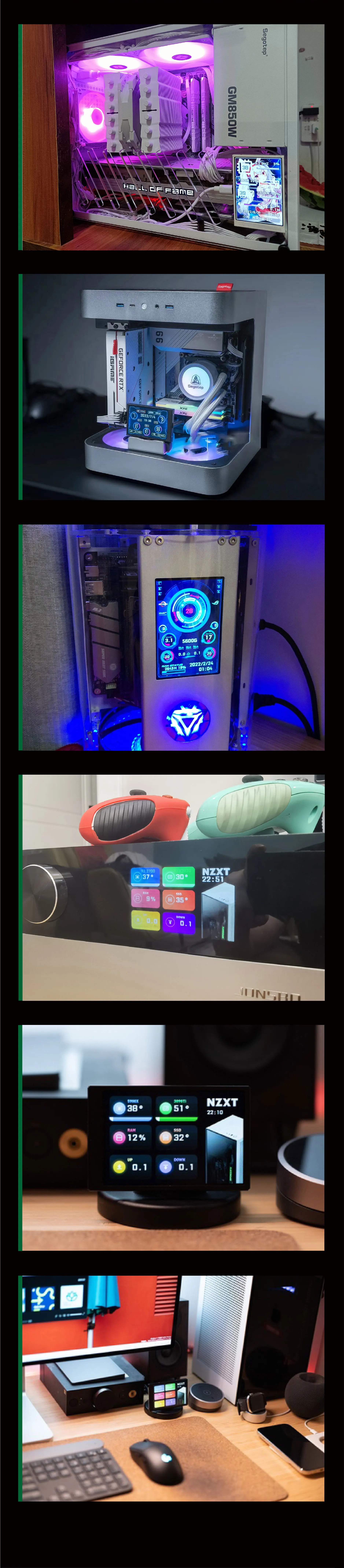
3.5 Inch Type-C Secondary Screen for Computer CPU RAM GPU HDD Monitor 320*480 IPS LCD ISB Display TURZX Software NO AIDA64
4.7 873 ratingsColorBlack
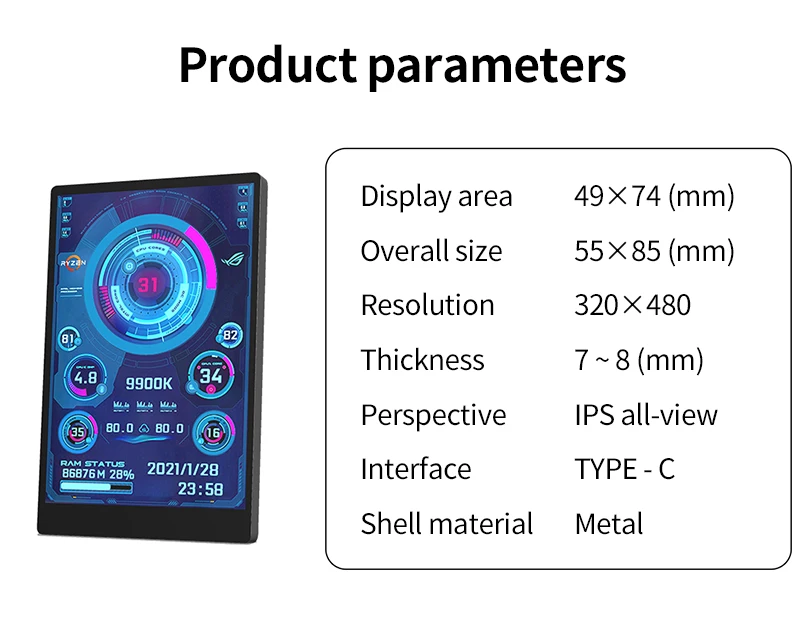
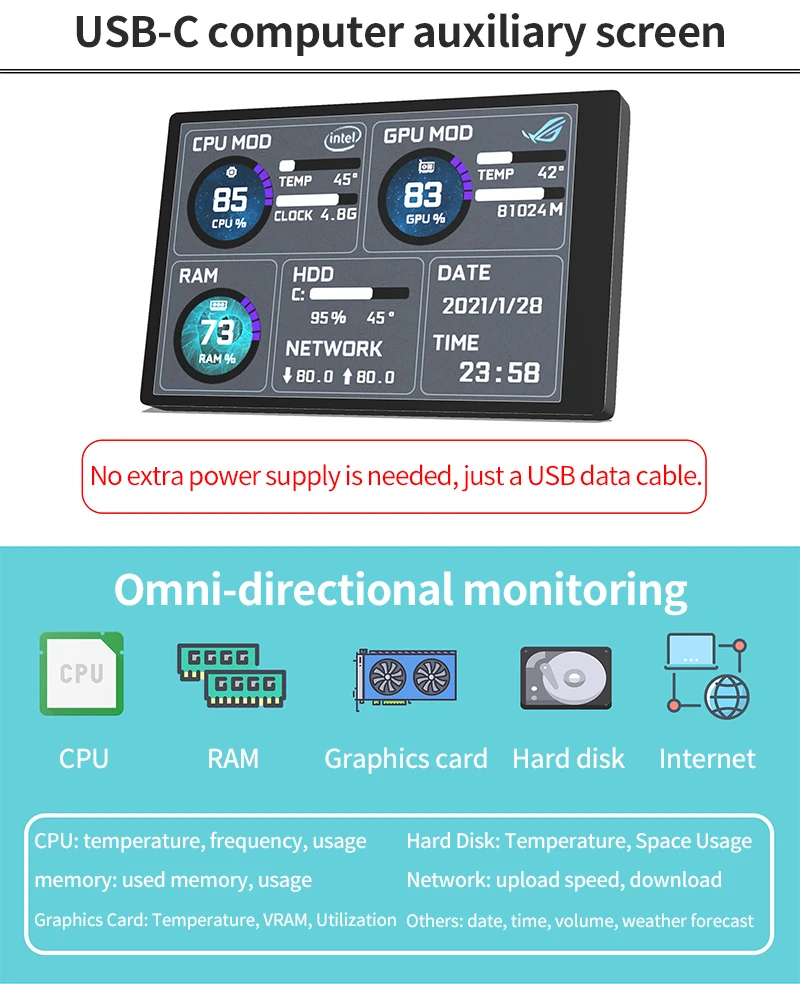
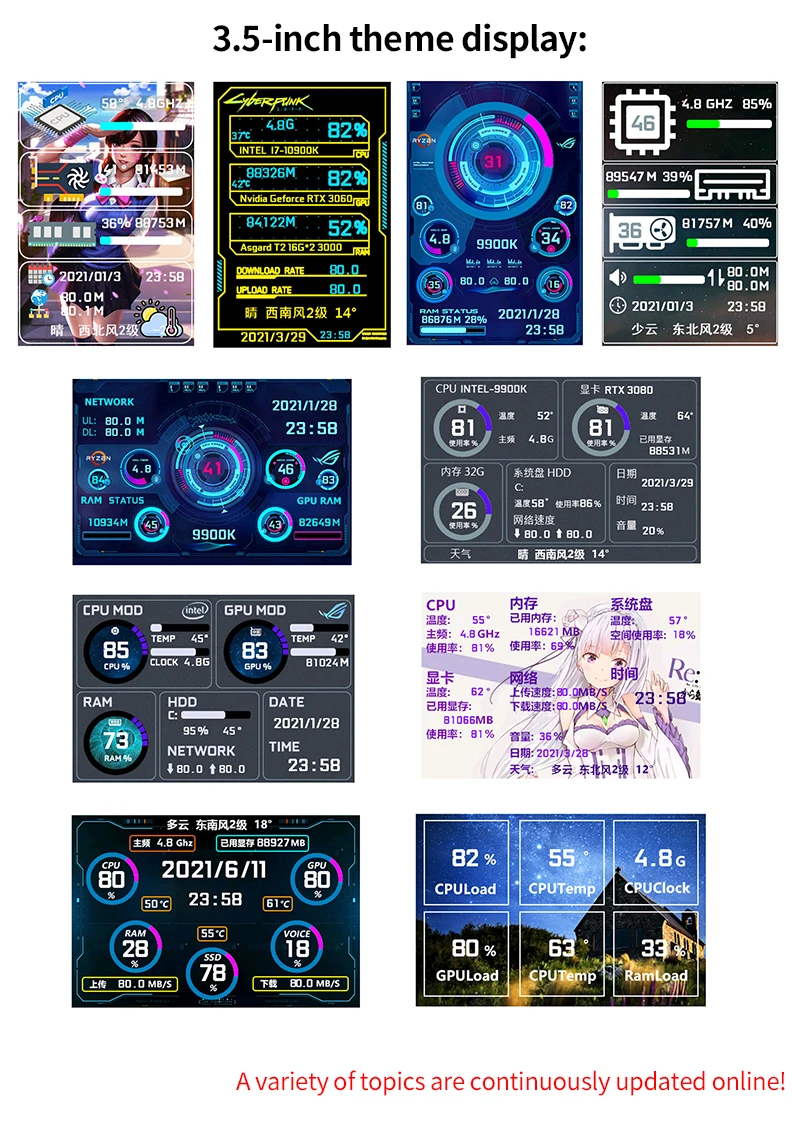
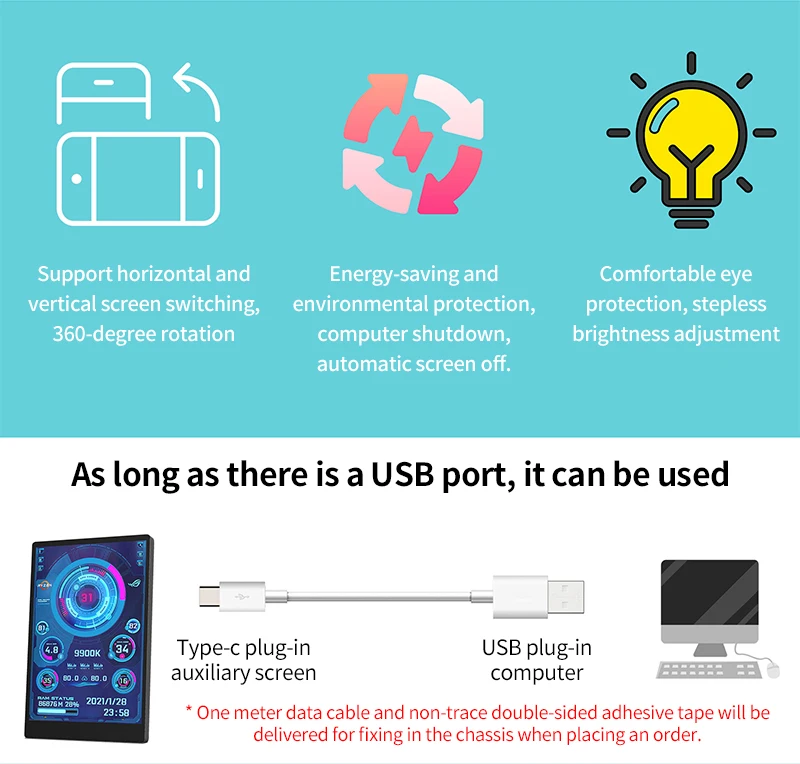
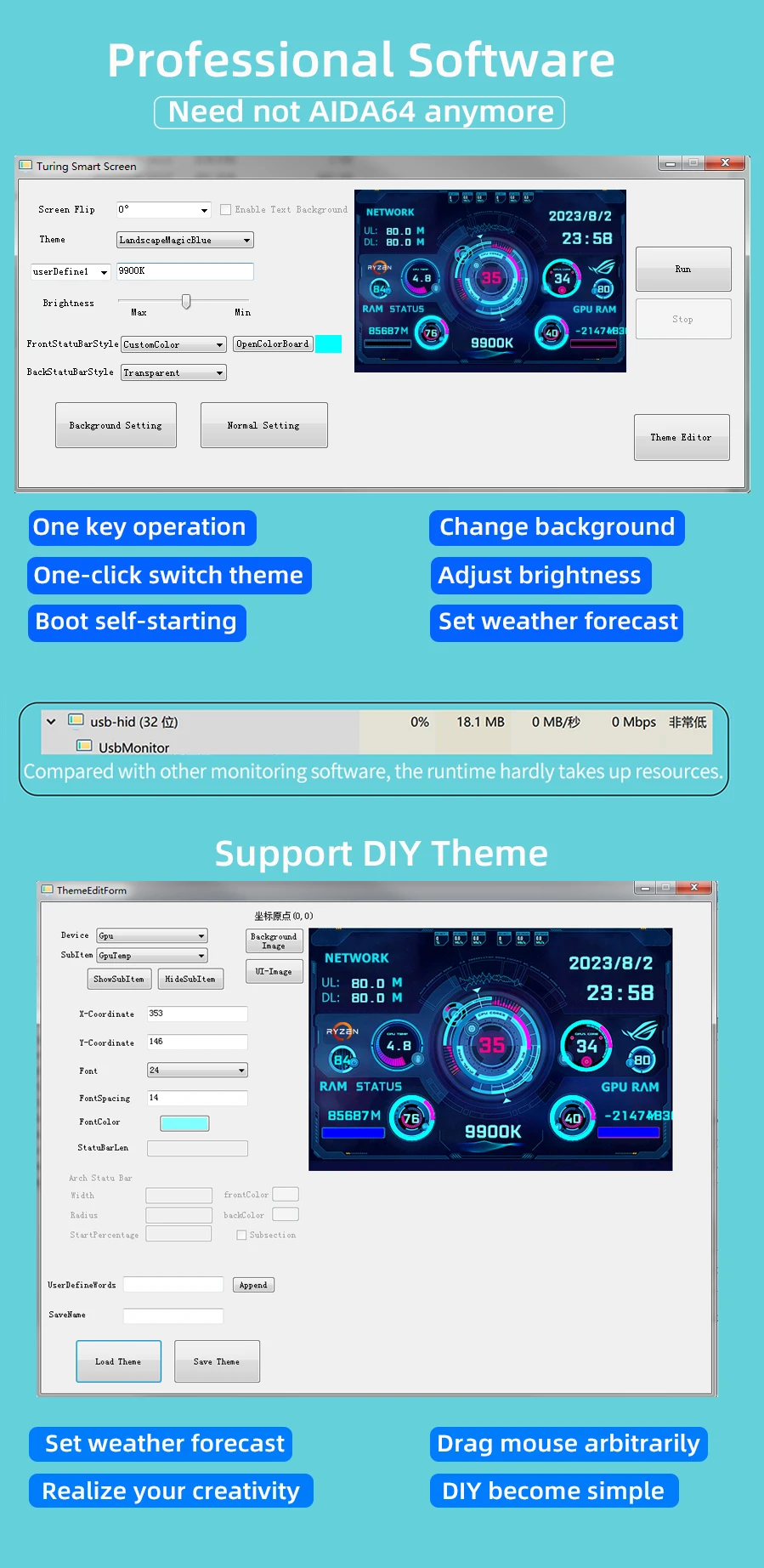
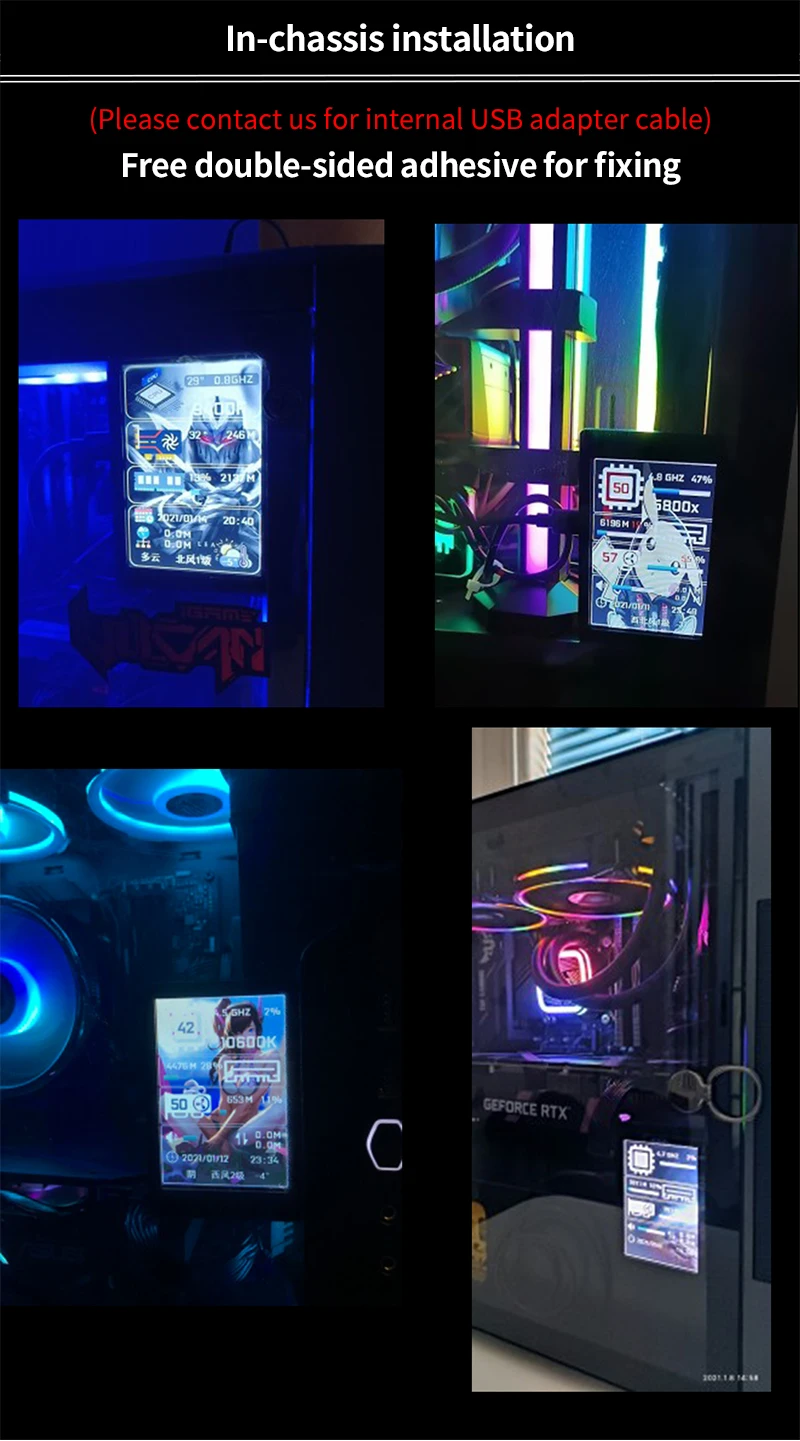
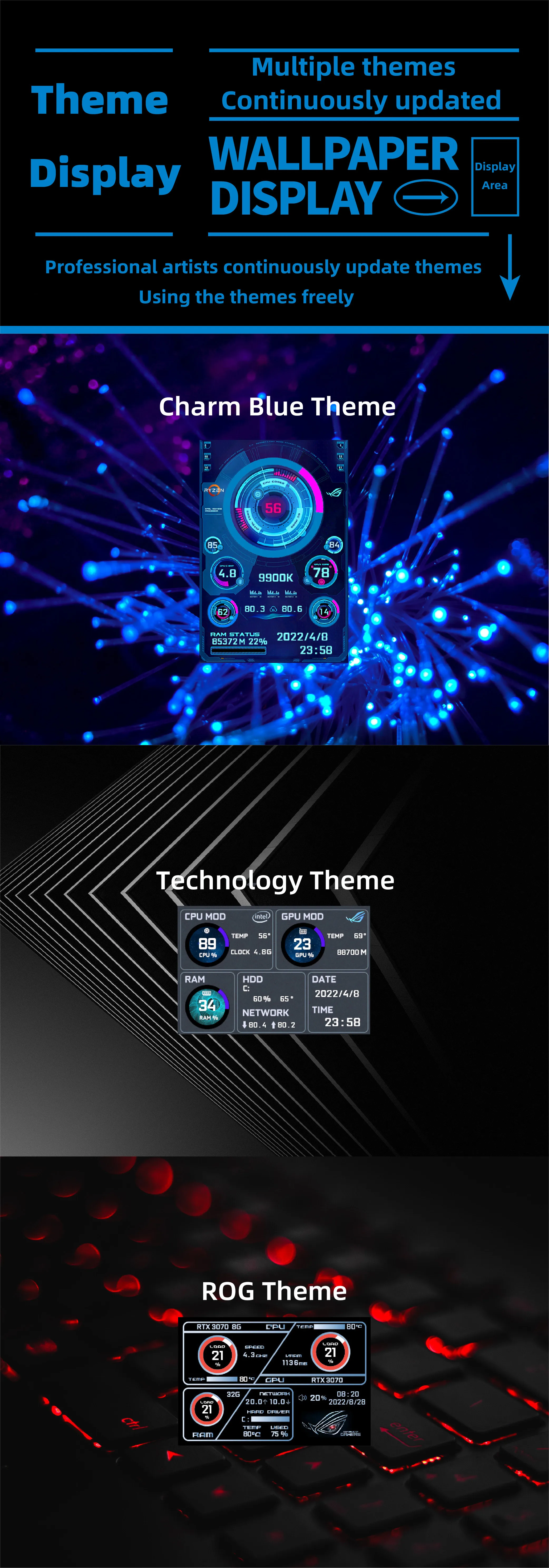
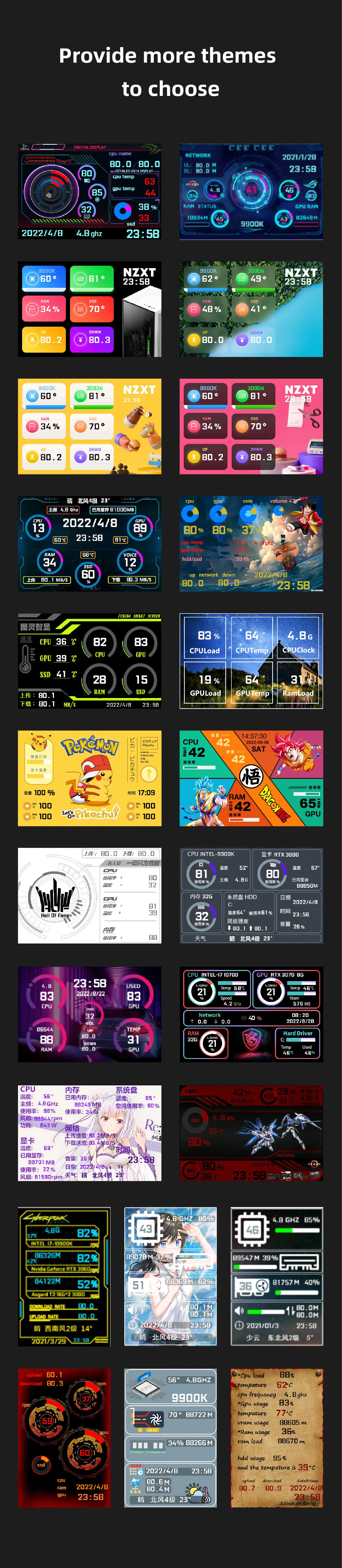
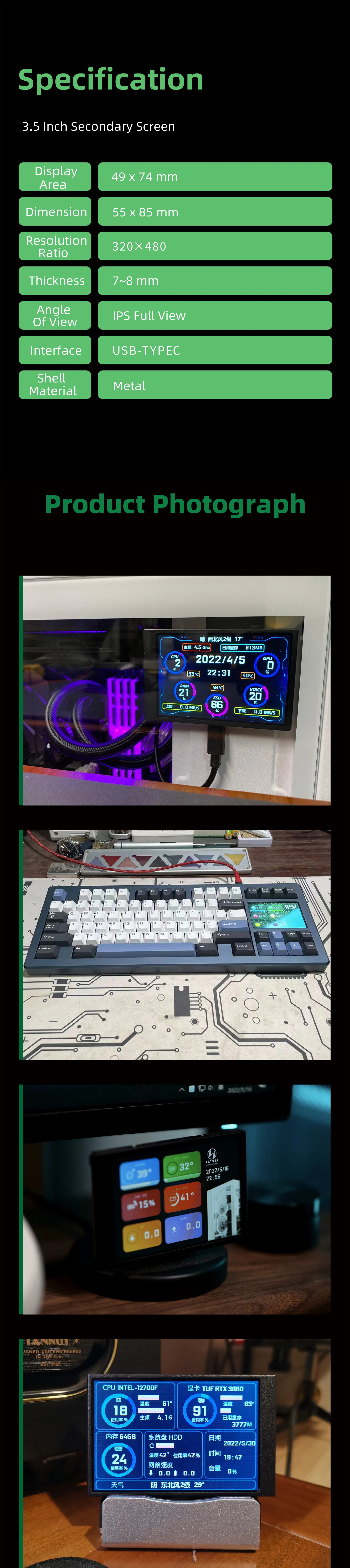
3.5 Inch Type-C Secondary Screen for Computer CPU RAM GPU HDD Monitor 320*480 IPS LCD ISB Display TURZX Software NO AIDA64 TURZX Software Download https://drive.google.com/drive/folders/1KMiDKiGRQc3uLGeVeZ--59YLoGJu5pUN Product parameters Display area: 49*74mm Size: 55*85mm Resolution: 320*480 Thickness: 7 --8 mm Viewing angle: ips full viewing angle Interface: USB-TYPEC Shell material: metal Features Works with just one usb type-c cable, no hdmi cable required Windows only (we recommend Windows 10 and Windows 11, some Winodws7 systems are not compatible) Use built-in software, no need for aida64 Support screen horizontal and vertical switching, 360 ° rotation Energy saving and environmental protection Automatically turn off the screen after shutdown Comfortable eye protection Stepless brightness adjustment Type-C is connected to the secondary screen, USB is connected to the computer, comes with a rice cable Professional software, one-key operation and one-key switching Background image one click switch themes Brightness adjustment auto-start Set city weather forecast Software download link software: https://lgb123-1253504678.cos.ap-beijing.myqcloud.com/35inchENG.rar wallpaper: https://lgb123-1253504678.cos.ap-beijing.myqcloud.com/Wall.rar How to Use Connect the mini secondary screen to the computer, then start our custom software, no need for aida64, no other complicated settings What's In the Box 1 x 3.5 inch monitor 1 x USB cable 1 x Double sided tape 1 x Plastic bracket Packing List Black Screen 1 x 3.5 Inch USBC IPS Screen Black 1 x USB C Cable 1 x Holder White Screen 1 x 3.5 Inch USBC IPS Screen White 1 x USB C Cable 1 x Holder Black Screen-5Pin 1 x 3.5 Inch USBC IPS Screen Black 1 x USB C Cable 1 x Holder 1 x 5Pin to USBC Cable White Screen-5Pin 1 x 3.5 Inch USBC IPS Screen White 1 x USB C Cable 1 x Holder 1 x 5Pin to USBC Cable Black Screen-Dock 1 x 3.5 Inch USBC IPS Screen Black 1 x USB C Cable 1 x Holder 1 x 5Pin to USBC Cable 1 x USBC Dock White Screen-Dock 1 x 3.5 Inch USBC IPS Screen White 1 x USB C Cable 1 x Holder 1 x 5Pin to USBC Cable 1 x USBC Dock FAQ 1. Why does the graphics card data not move? The average laptop user typically uses a separate monitor in standby and only uses the core monitor to save power, while the secondary monitor monitors the most important separate monitor. Of course, the graphics card monitoring data has not changed. 2. Can other content be displayed? No, only the content of custom software settings can be displayed 3.USB interface version? USB1.0 USB2.0 USB3.0 unlimited as long as it is USB
Might also like
From $5.81Shipping $1.99 From $125.87Free shipping
 From $5.85Shipping $1.99
 From $4.78Shipping $1.99
 From $2.22Shipping $1.99
 From $2.83Shipping $1.99
 From $1.80Shipping $1.99
 $2.62Shipping $1.99